01
EYES
A change of focus.
Look beyond the screen for a moment. Choose 20-20-20, a longer screen break, or your own interval.
 recesso●
A LITTLE PAUSE, RIGHT ON YOUR MAC
Your screen has your attention.
Recesso helps you remember the person behind it.
 01 / eyes02 / water03 / movementThree rhythms.
01 / SMALL THINGS, OFTEN
Three independent reminders. Keep the ones that help.
Give each its own pace.
EYES
Look beyond the screen for a moment. Choose 20-20-20, a longer screen break, or your own interval.
WATER
Spread reminders through your day. Log the water you actually drink, in the glass size that works for you.
MOVEMENT
Make room for a quick stretch or a longer walk. Gentle nudges, full-screen pauses, or a rhythm of your own.
02 / THERE WHEN YOU NEED IT
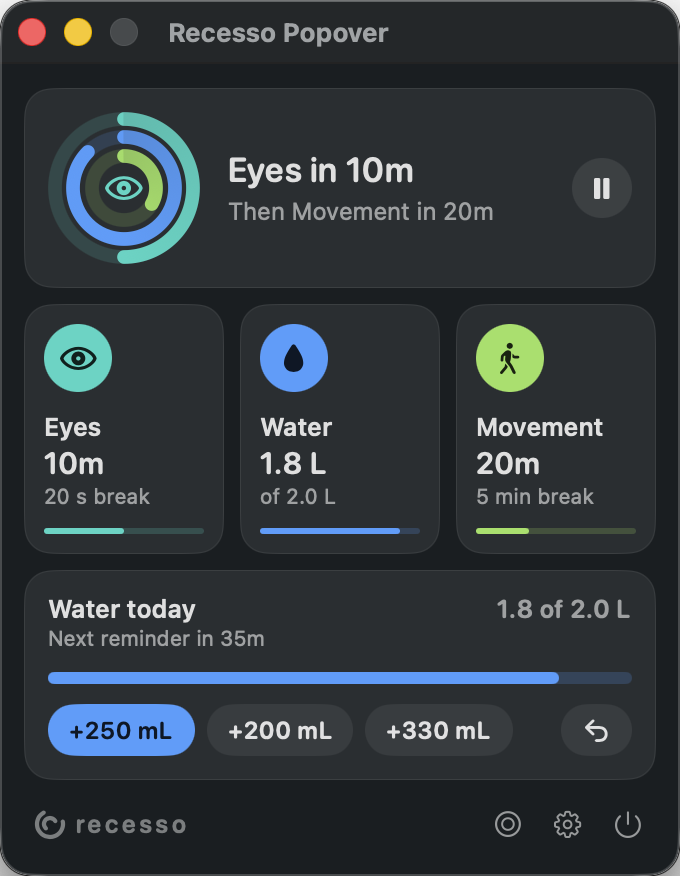
A glance tells you what’s next. Log a glass, pause the clocks, or take a break right now. Then get back to your day.
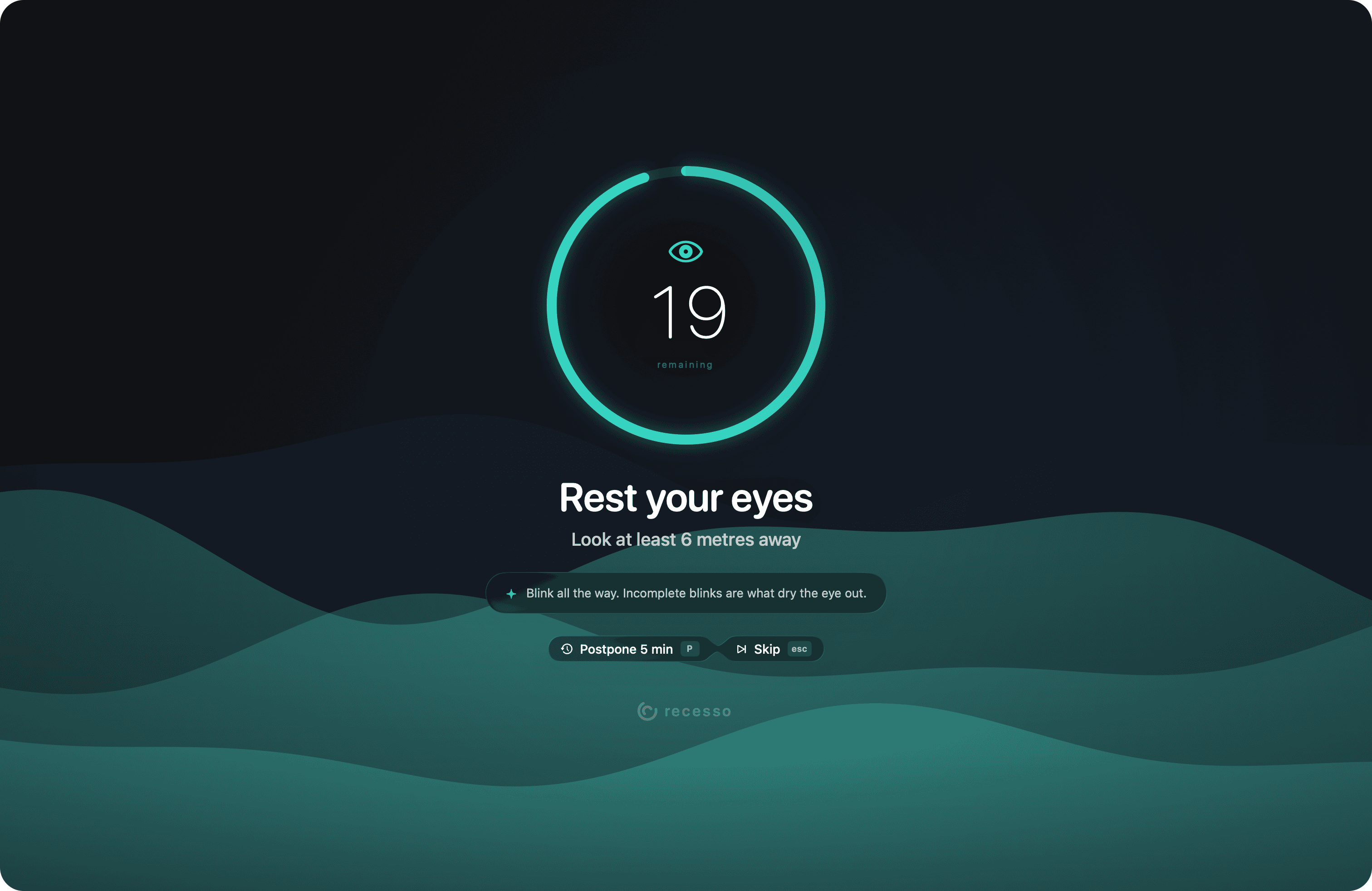
03 / THIS IS YOUR MOMENT
A calm, full-screen pause. Moving backgrounds, light or dark palettes, and useful little prompts. All at your pace.
04 / NOTICE THE LITTLE THINGS
See the breaks you kept, water you logged, and time spent at the machine. A little perspective on how your days feel.
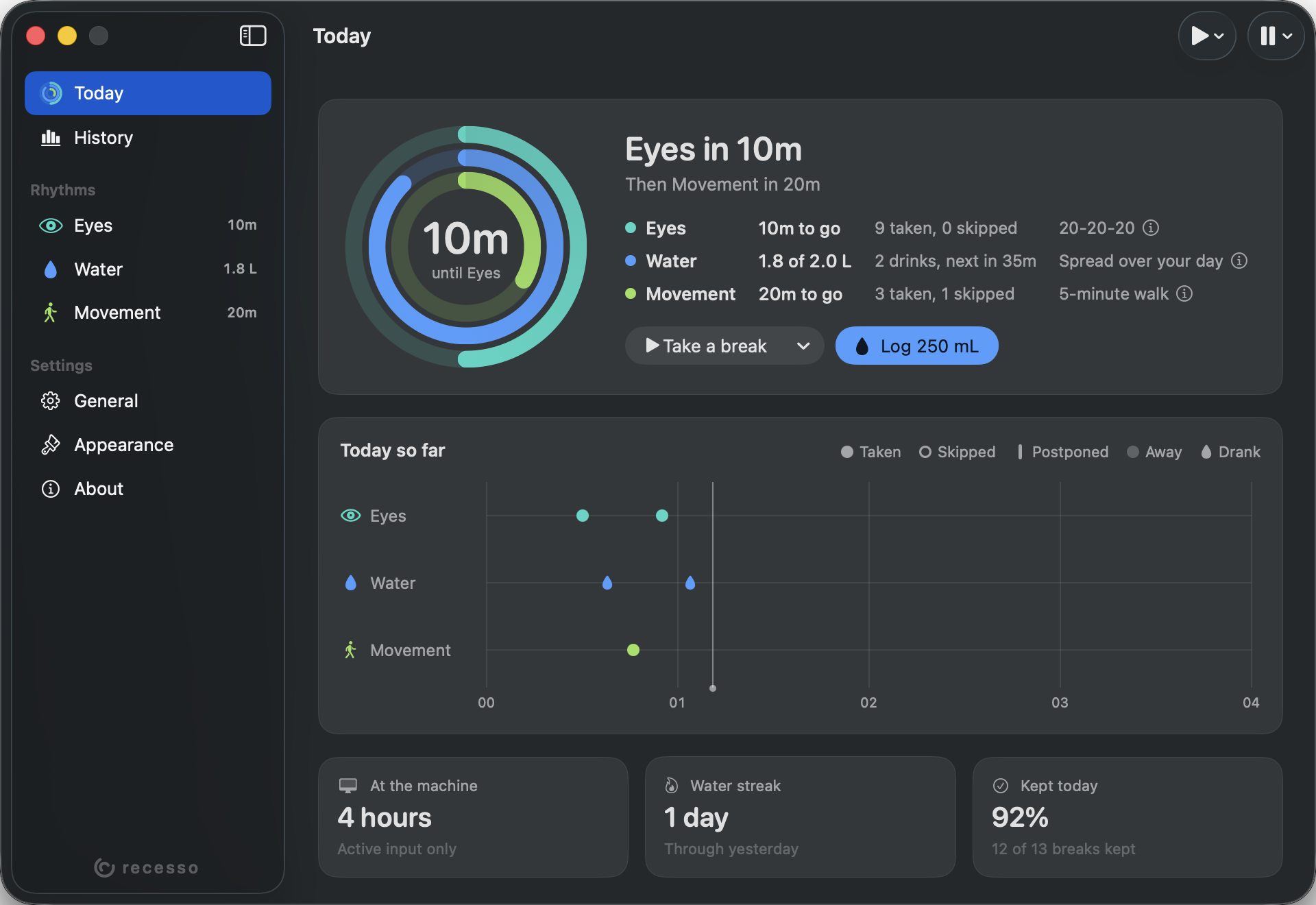
Actual Recesso interface. Illustrative activity data.
05 / YOUR DAY BELONGS TO YOU
No Recesso account. No ads. No app analytics.
Your history lives on your Mac. In supported signed builds, iCloud sync starts on and keeps supported settings and history in your private Apple account. You can turn it off in General.
Read the privacy policyFOR THE HUMAN BEHIND THE SCREEN
Recesso for macOS 15.0 or later · Apple silicon
The Mac App Store edition is being prepared. Published GitHub releases may have an earlier feature set.
A FEW THINGS YOU MIGHT WONDER
You choose full-screen breaks or notifications for each rhythm. Before a full-screen break, a floating heads-up gives you a chance to start early or postpone. Quiet hours, selected apps, manual pauses and idle detection help it fit around your day.
It is a general wellbeing reminder, not a medical device or medical advice. Presets explain their sources and the strength of the evidence. Change the numbers for your needs, and follow your clinician’s advice, especially if you have a fluid restriction.
Supported signed builds use your private iCloud account to sync supported settings and history. Both Macs need the same Apple account and CloudKit environment. Login, Dock and updater preferences remain specific to each Mac. Sync can be turned off.
Visit Recesso support for setup, notifications, iCloud and troubleshooting, or email recesso@doguyilmaz.com.